I track my spending the way most people do. Badly.
A note here. A screenshot there. A vague mental category called "miscellaneous" that quietly absorbs everything I'd rather not examine too closely. Every few months I'd open a budgeting app, spend twenty minutes setting it up, and feel good about it for exactly three days.
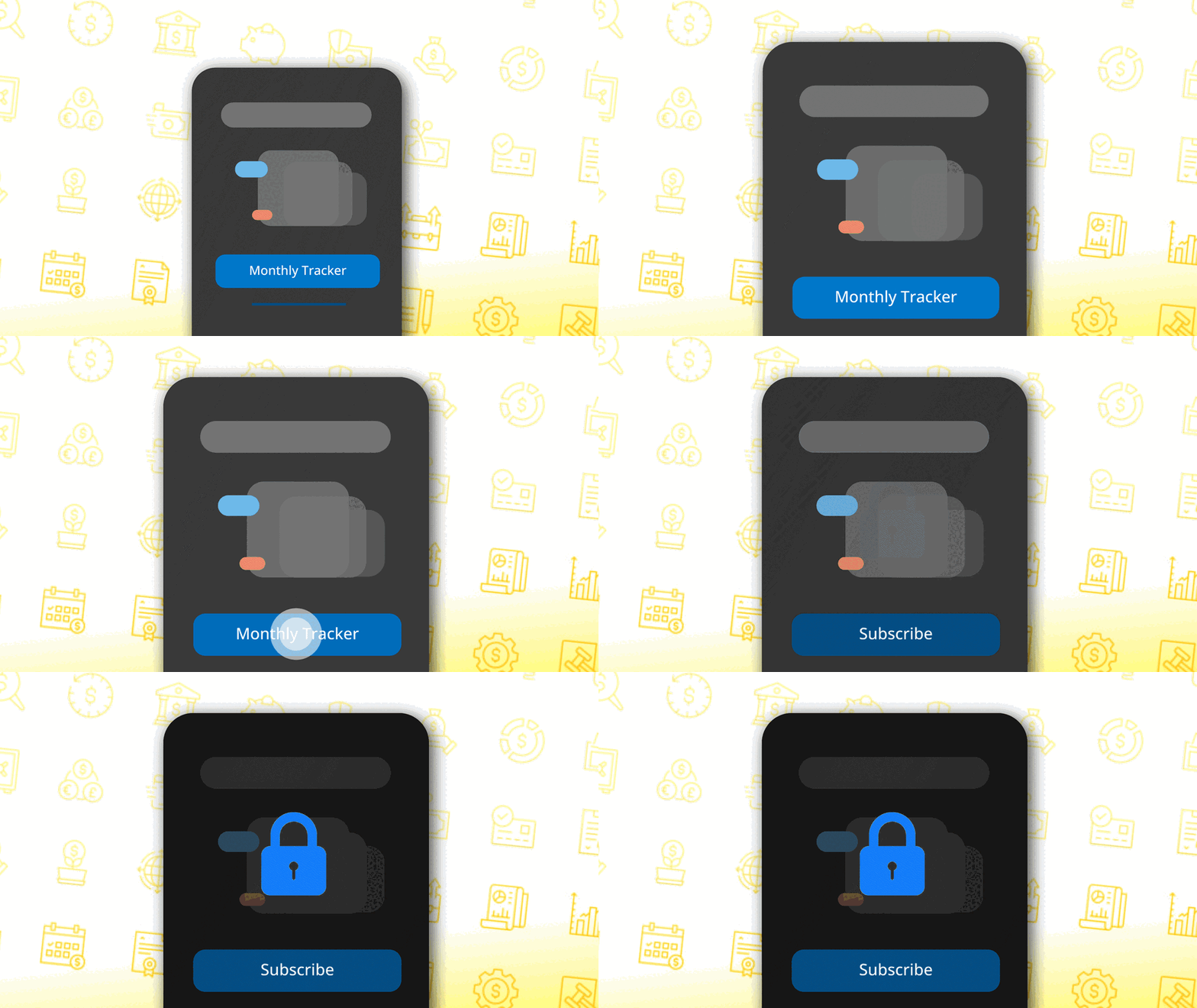
Then the paywall would appear.
Not on day one — that would be honest. After you've entered your data, built your categories, started to see the picture. Upgrade to see history older than 30 days. Unlock filters with Pro. Export your data — Premium only.
I was paying to see my own spending.
That specific frustration is what SpendCast is about.
The apps I tried weren't bad. Some were genuinely well-designed. But almost all of them used the same pattern: give you just enough to feel the value, then lock the part you actually need behind a subscription. Some asked for a social login before you could even start. Some required an account "to sync your data" — data I never asked to sync anywhere.
I didn't want a financial platform. I wanted a tracker.
Something I could open, tap a number, and close. Something that told me — clearly, simply — where the money went this month. No sign-up. No cloud. No paying monthly to access a feature that should have been there from the start.
So I built SpendCast.
The brief I wrote for myself was short
Log income. Log expenses. Set a budget. See where you stand. Work without internet. No account required.
That's it. Four things and a constraint.
I built it the same way I've built my other apps — React + Vite + Capacitor + Android Studio, with Claude as my coding partner. I've written about this workflow before, when I shipped FamilyDose. I describe what I want in plain language. Claude writes the code. When something breaks — and it always breaks somewhere — I describe what went wrong and we fix it together.
My wife tested it. She always does. She'll find every edge case I convinced myself was an edge case. The quick calculator was her idea. "Sometimes I just need to split a bill. I don't want to leave the app to do maths."
It's in the build now.
The features that made it are the ones that came from real friction
Here's something I think about as a designer
Most budgeting apps use pricing to segment users. The free tier gives you just enough to feel the value, then locks the part you actually need behind a paywall. It's a deliberate design pattern — and it works for growth metrics.
But for a tool that's supposed to help you manage money, that model has a specific irony. The people who most need a good budget tracker are often the ones least able to pay for one.
I made SpendCast completely free. Not free with limits. Not free with ads. Free.
Not because I'm against business models — I understand them. But because the core purpose of this tool is to help people understand their finances. Gating that behind a subscription fee contradicts the whole point.
That's a design decision as much as it is a values one.
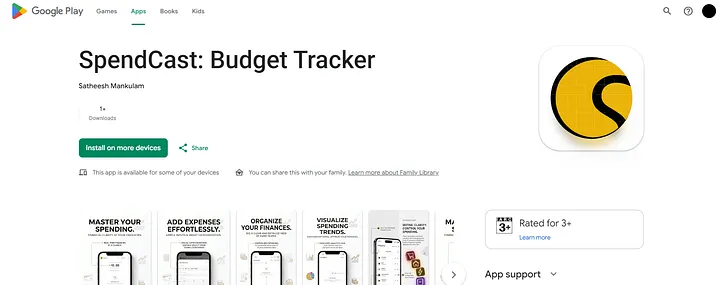
SpendCast is live on the Play Store
If you've tried budgeting apps and abandoned them — because they locked the useful parts, asked you to sign up before you'd seen anything, or charged you to export your own data — SpendCast might be the one that actually sticks.
No account. No paywall. No data leaving your phone.
Built by a UX designer, for people who just want to know where their money went.
Drop your feedback on Google Play Store or at appfeedback.satheesh@gmail.com